This is not like your avarage virtual machine. This utility is optimised for performance including graphical interfaces. Each VM gets a full desktop enviroment with a virtualized GPU translation layer, so browsers, games and other graphical workload does not depend on software rendering. Target startup time per vm is under 1 second.
https://github.com/luckydye/vm
It comes with a minimal UI to access all virtual machines easily. The screen is also interactive at 60fps from this UI.
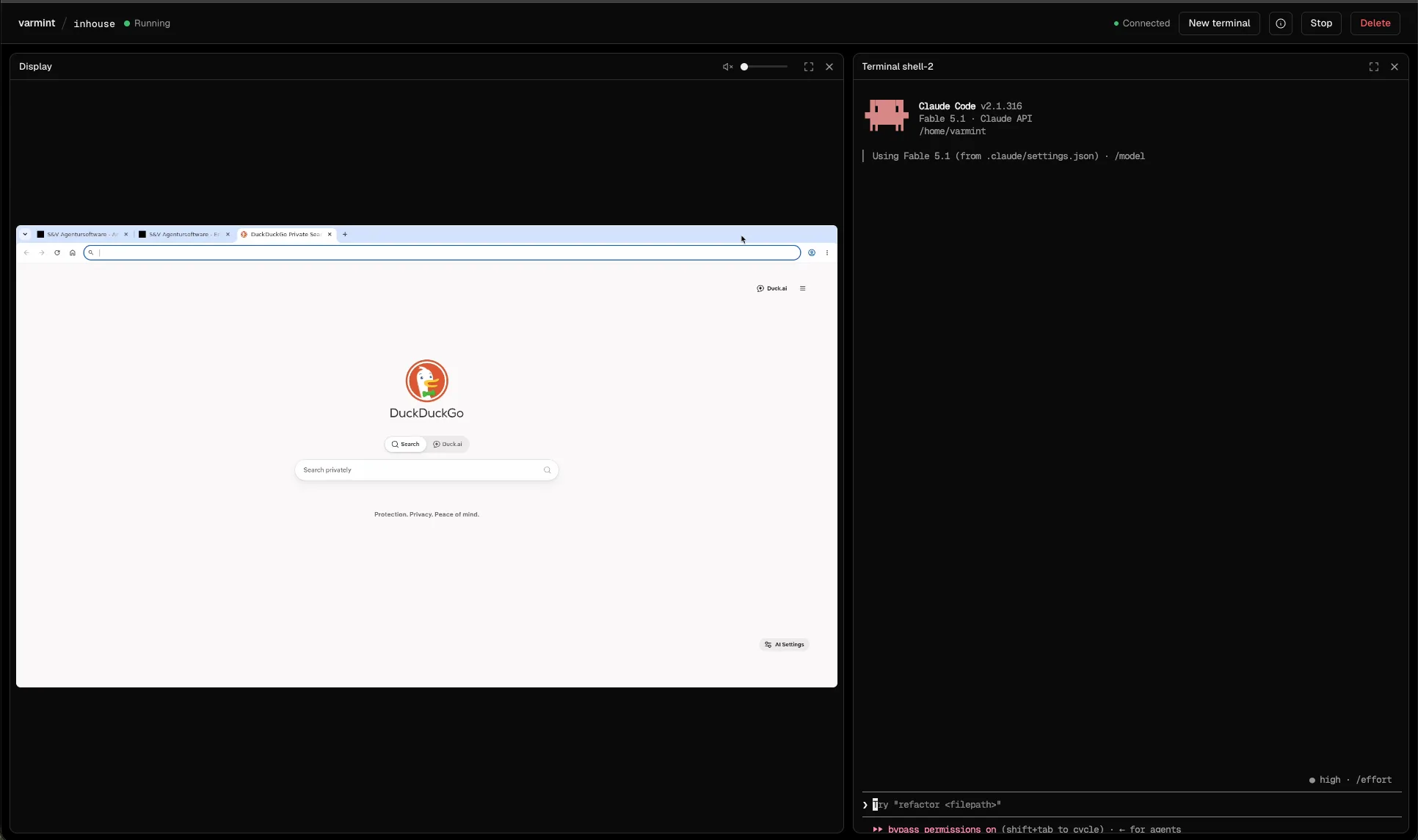
They can also easily be controled through the CLI by agents.
varmint screenshot $vm shot.png
varmint screen $vm                 # use it live in the terminal, with mouse and keyboard
varmint move $vm 640 400
varmint click $vm 640 400 [--right | --middle] [--double]
varmint type $vm "hello world"
varmint key $vm ctrl+alt+t enter
varmint scroll $vm -3
varmint stream $vm | my-viewer      # the screen as H.264 and the sound as Opus, for other programs
my-driver | varmint input $vm       # mouse and keyboard as JSON lines
No access by default
Seeds copy host files or directories into the VM at start, one way: changes in the VM never reach the host.
The contents of the ~/.varmint/seeds directory go into the guest home of every VM, with symlinks followed and file modes kept; pass --seed HOST:GUEST for one run:
mkdir -p ~/.varmint/seeds/.claude ~/.varmint/seeds/.ssh
ln -s ~/.claude/skills ~/.varmint/seeds/.claude/skills
ln -s ~/.gitconfig ~/.varmint/seeds/.gitconfig
ssh-keygen -t ed25519 -N "" -f ~/.varmint/seeds/.ssh/id_ed25519   # a key just for the VMs
Mounting a directory into the vm is also simple.
varmint run --mount ~/project:/work --mount ~/datasets:data:roAlternativly,
Git remotes
varmint pull Fetch the branches of a git repo in a VM into the current repo as <vm>/<branch>
The utility comes with a "pull" command by default. It creates a remote in the repository of the host, that can pull cahnges directly from the virtual machine onto the host for review and merging. This ensures git credentials never need to enter the virtual machine.
A shared store
a=$(varmint run --store shared)
b=$(varmint run --store shared:ro)
varmint exec "$a" -- curl -sT notes.md localhost:5101/shared/notes.md   # a new version
varmint exec "$b" -- curl -s localhost:5101/shared/notes.md
varmint exec "$b" -- curl -s 'localhost:5101/shared?prefix=no&versions'
varmint store get shared notes.md --version 1    # any version, from the host
varmint store log shared                         # who did what, allowed or not
varmint store gc --keep 5                        # keep the newest 5 versions of each key
Every move is logged and traceable
Every VM records what it does in ~/.varmint/telemetry.sqlite, so you can see which programs run too often or get installed repeatedly and are worth preinstalling:
vms: start, boot time, stop time and stop reason (stopped,guest-poweroff,window-closed,crash) of every runprocesses: every process that exited in the guest, with wall and CPU time (kernel process accounting; names are truncated to 15 characters)commands: command lines typed in interactive guest shells (shell) or run withvarmint exec(exec)packages: apt packages and mise tools installed in the guest