The idea behind this project was to render a full map of the game in the browser, to allow for real-time visualization of a live game for spectating.
When I started, I had no knowledge about most things this project covered. Never heard of GoldSrc, or any of the Source engine specific file formats. Generally, file formats were mostly a black box to me.
I started learning about different types of files and formats, byte layouts, file headers and magic bytes ✨.
Then step by step, I started to understand the file formats and could parse them into a structured format,
which I could then use to render the map in the browser. This covered a lot of topics like texture compression, displacements, models and entities, and how levels are built and stored.
Before going into the actual game assets, I tried finding a model of the map online.
I only found one glb file of an old version of the map, which was not satisfactory for what I had in mind.
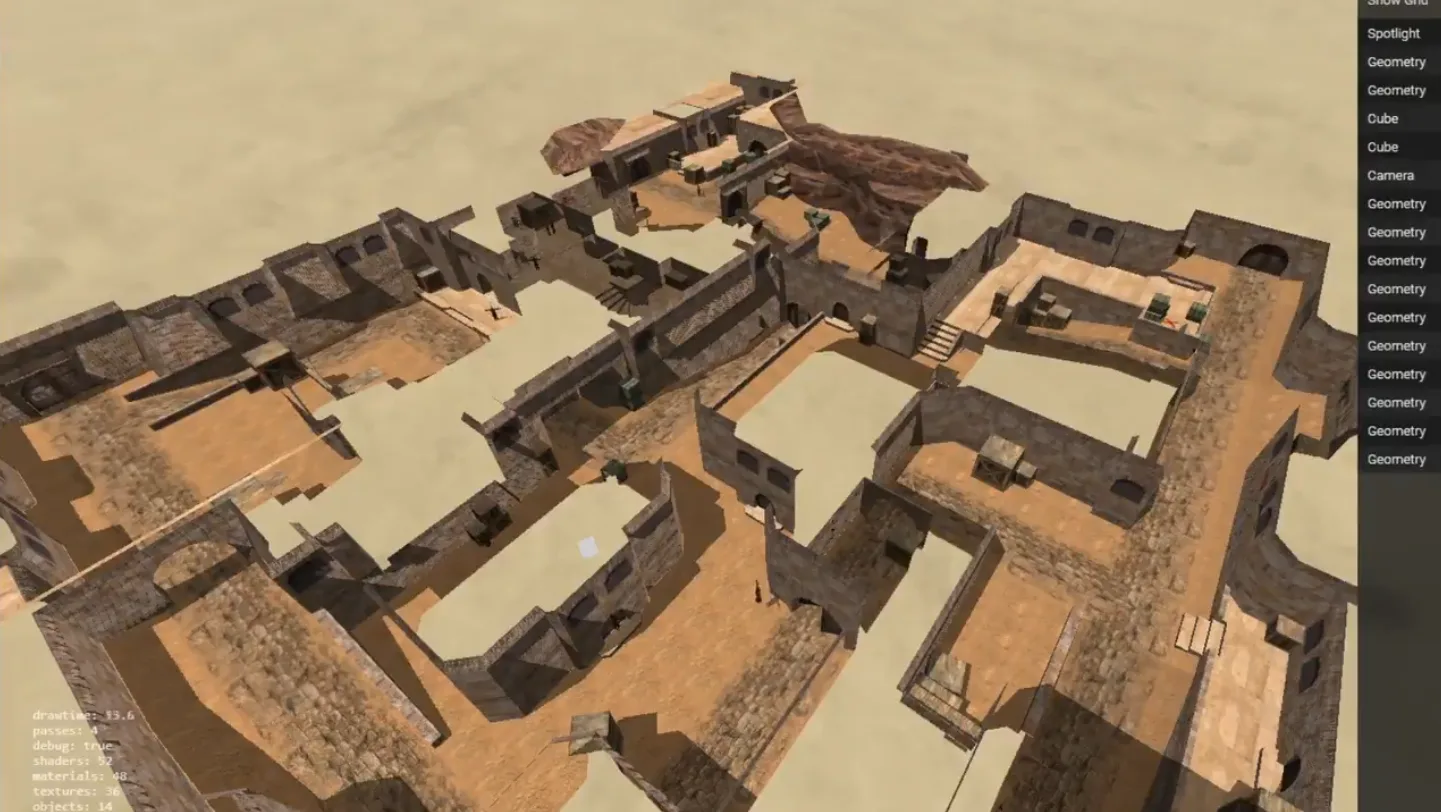
Then I realized, since I have the game installed, I should have all the map assets available locally.
So in my naive nature, I started to explore the game's file system, trying to make sense of the files and data I had.
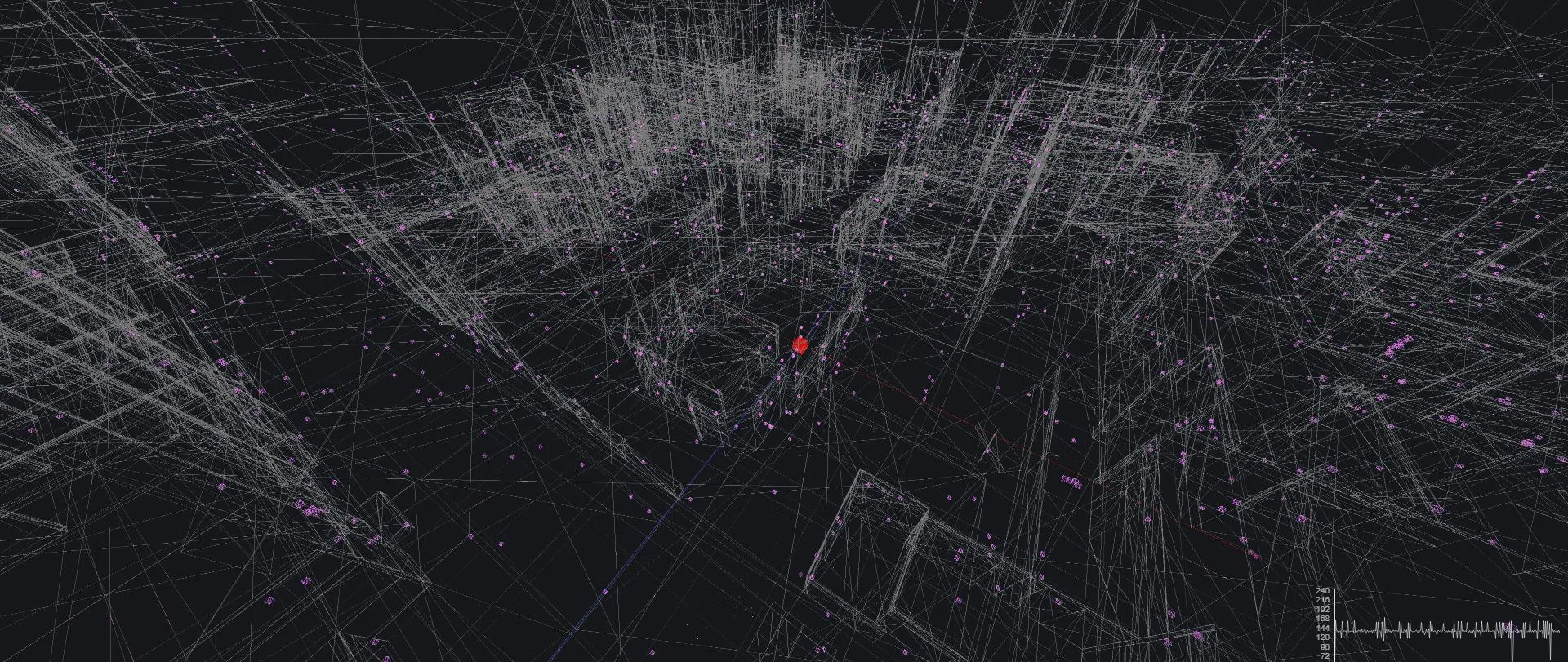
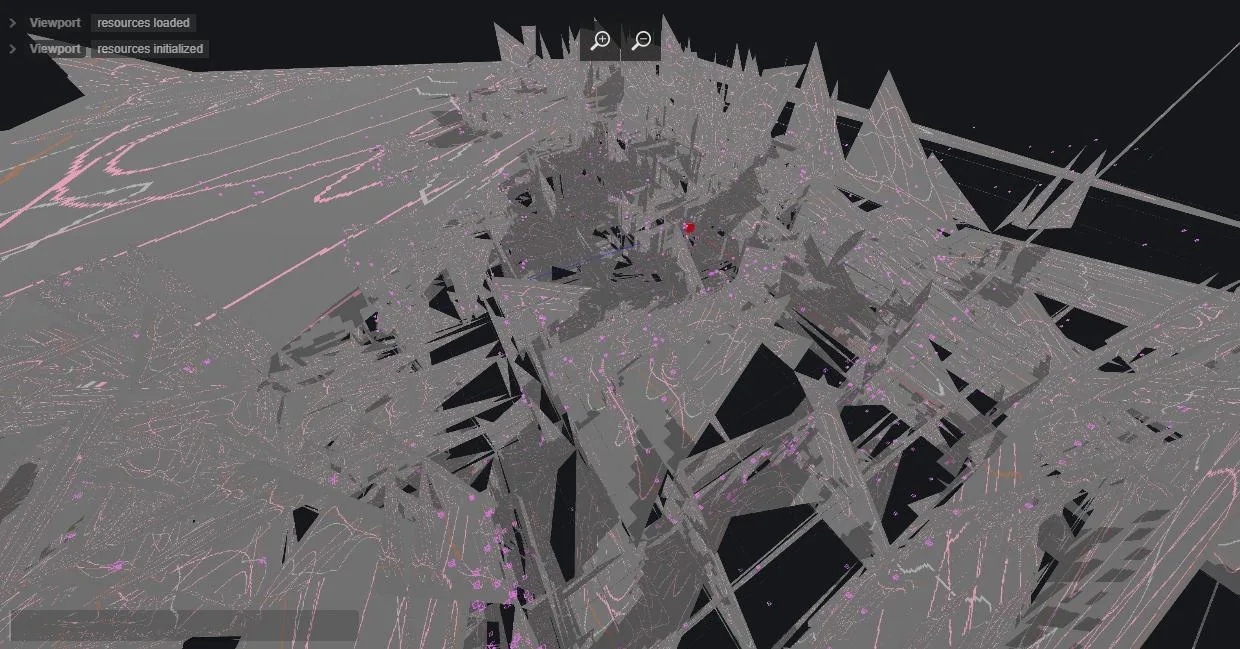
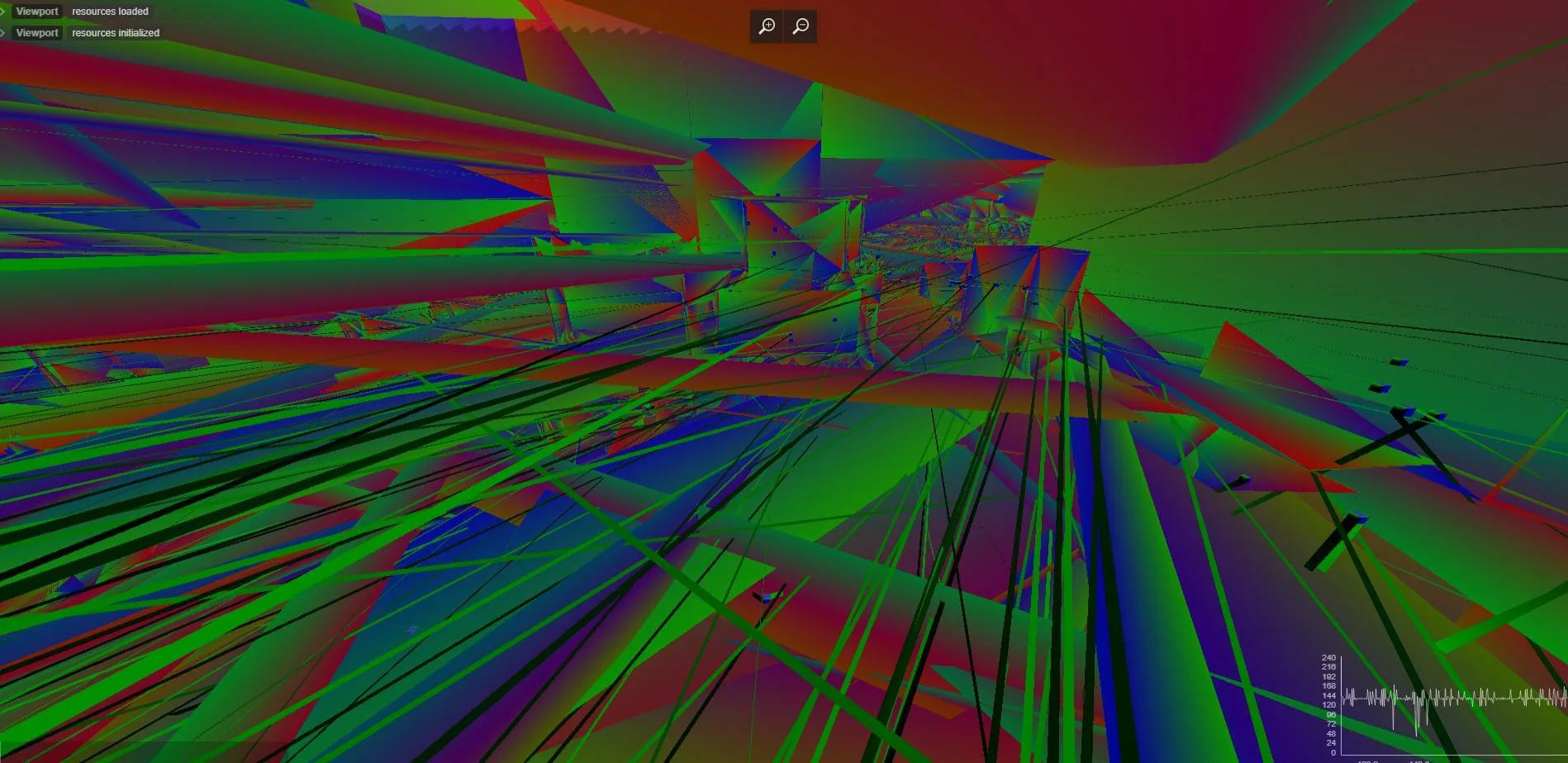
Eventually, after lots of digging and trial and error, I started seeing something I recognized.
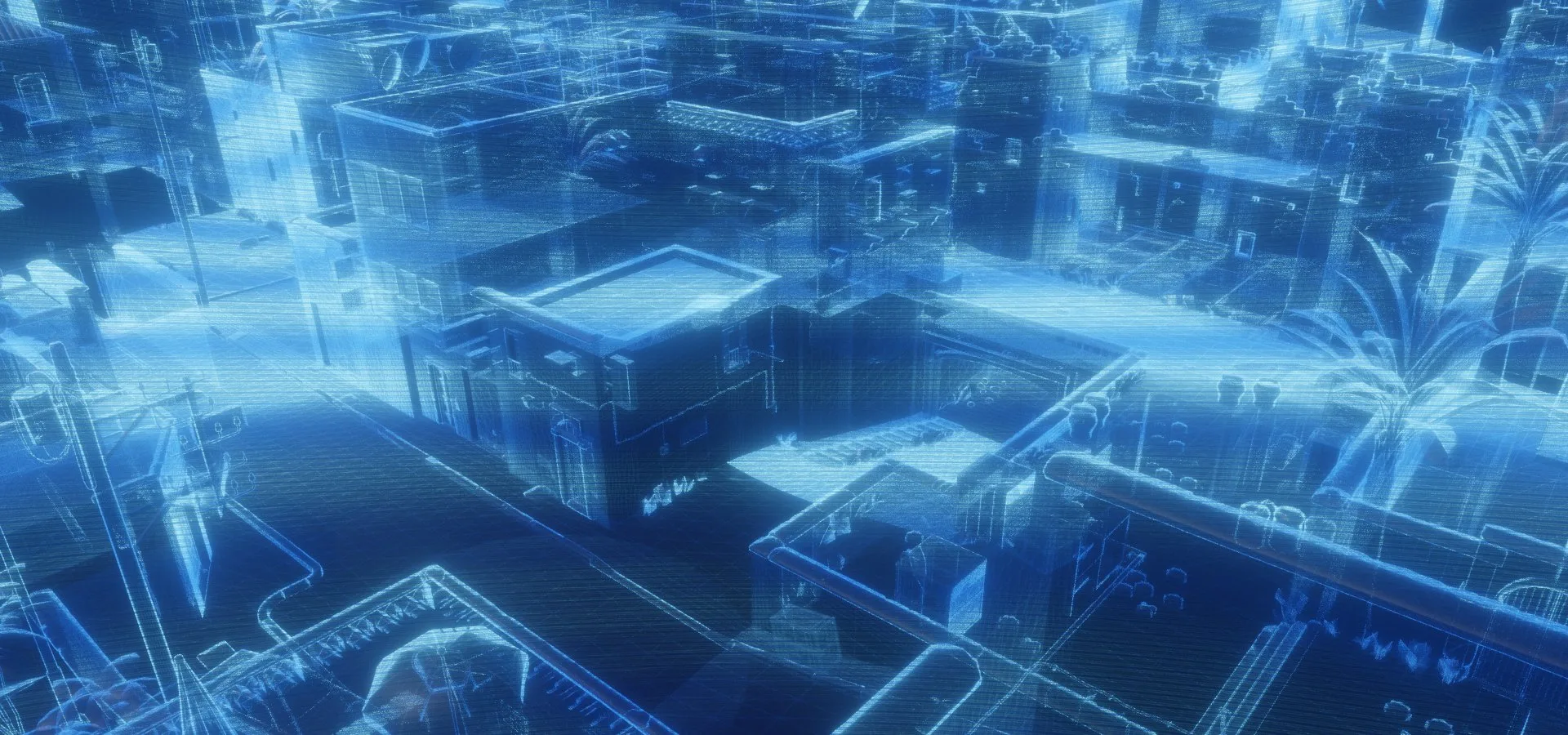
This visualization shows just the brush planes of a level.
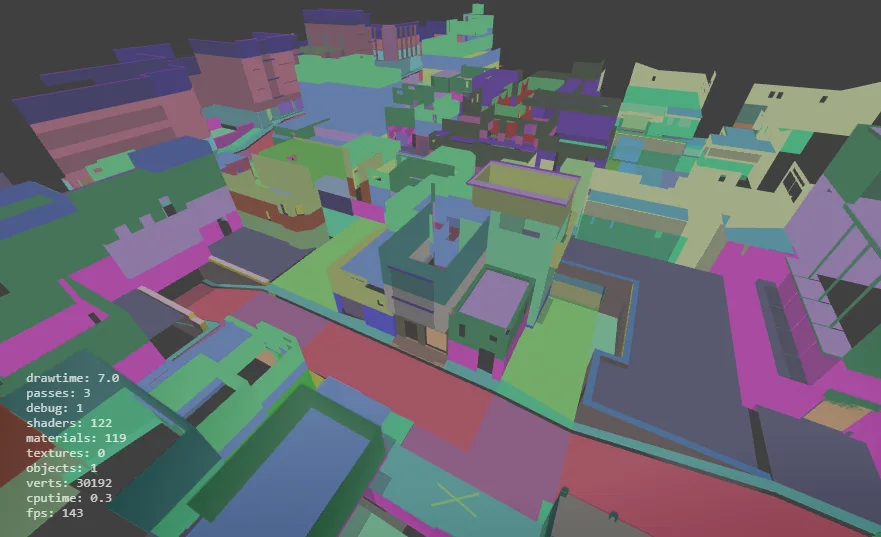
Figuring out the Model format took most of the time, but already makes it look like an actual game level.
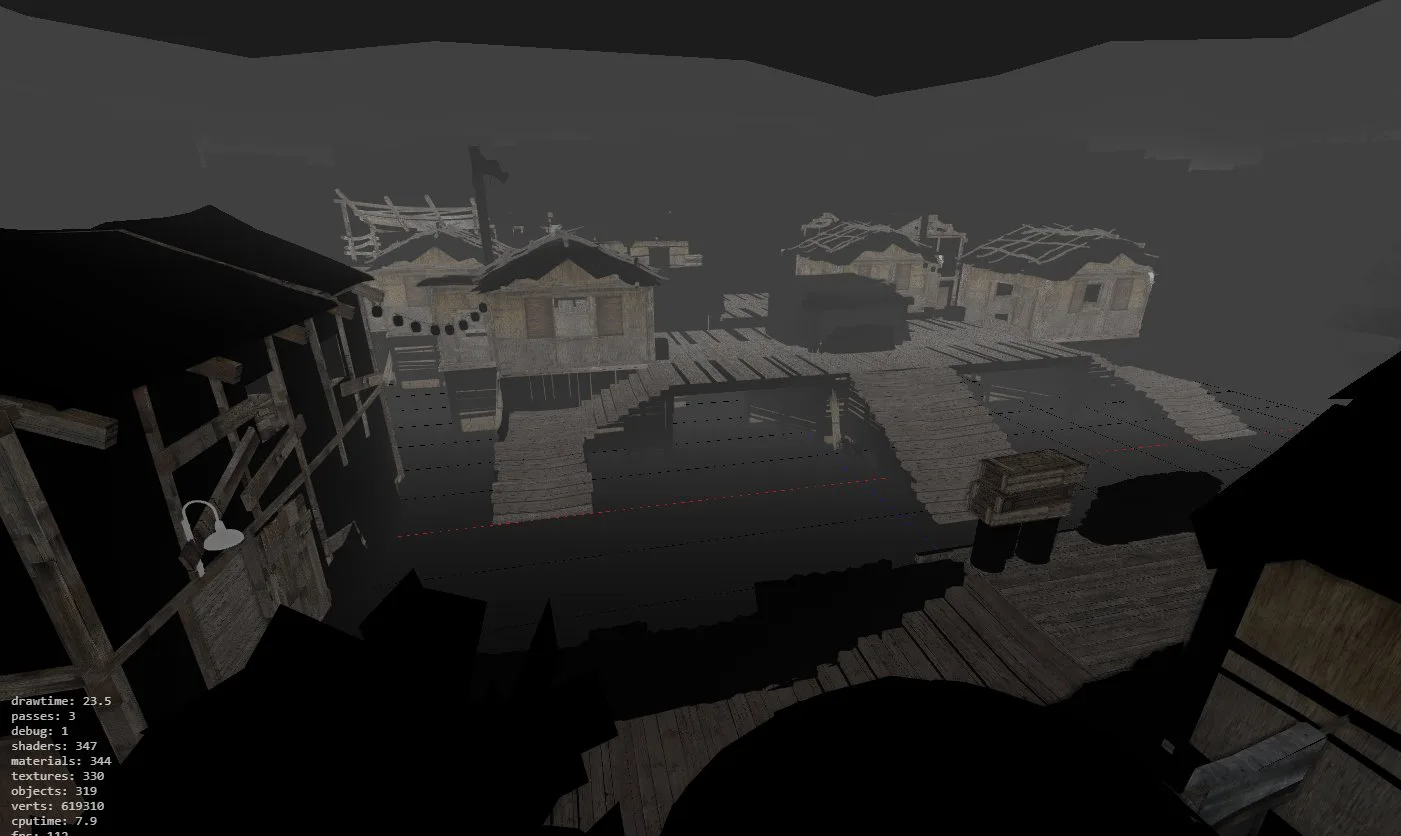
Here with most of the models and entities of the level, but mostly untextured
(noticeably, running at over 100fps in the browser).
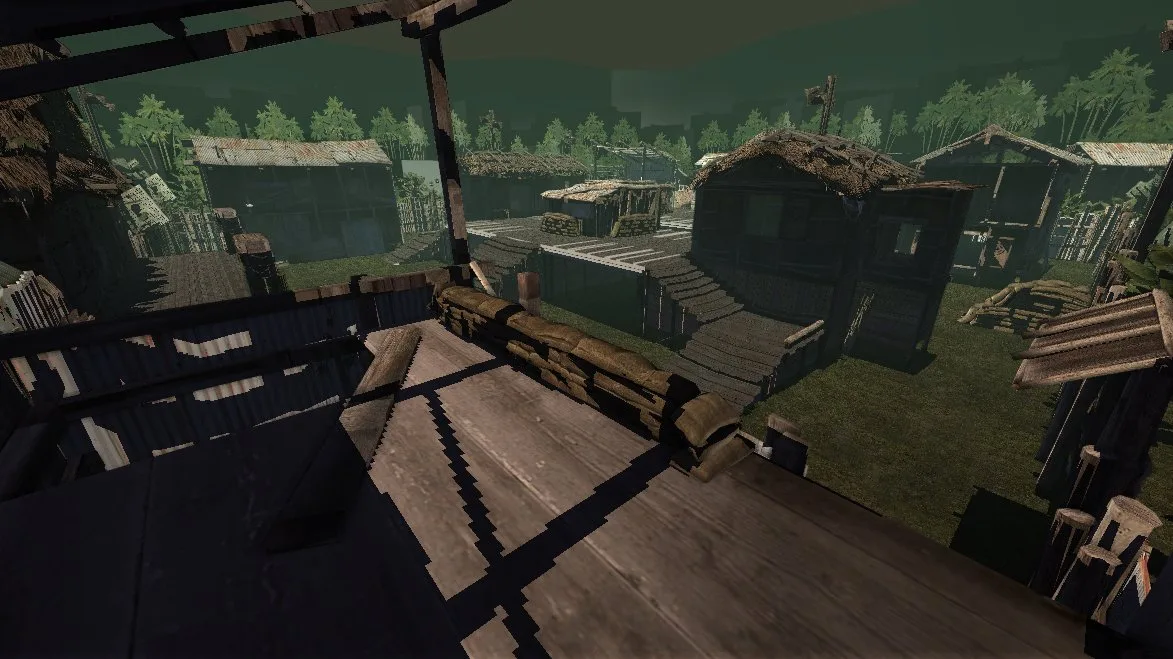
Getting the hang of texture decompression and rendering textured entities.
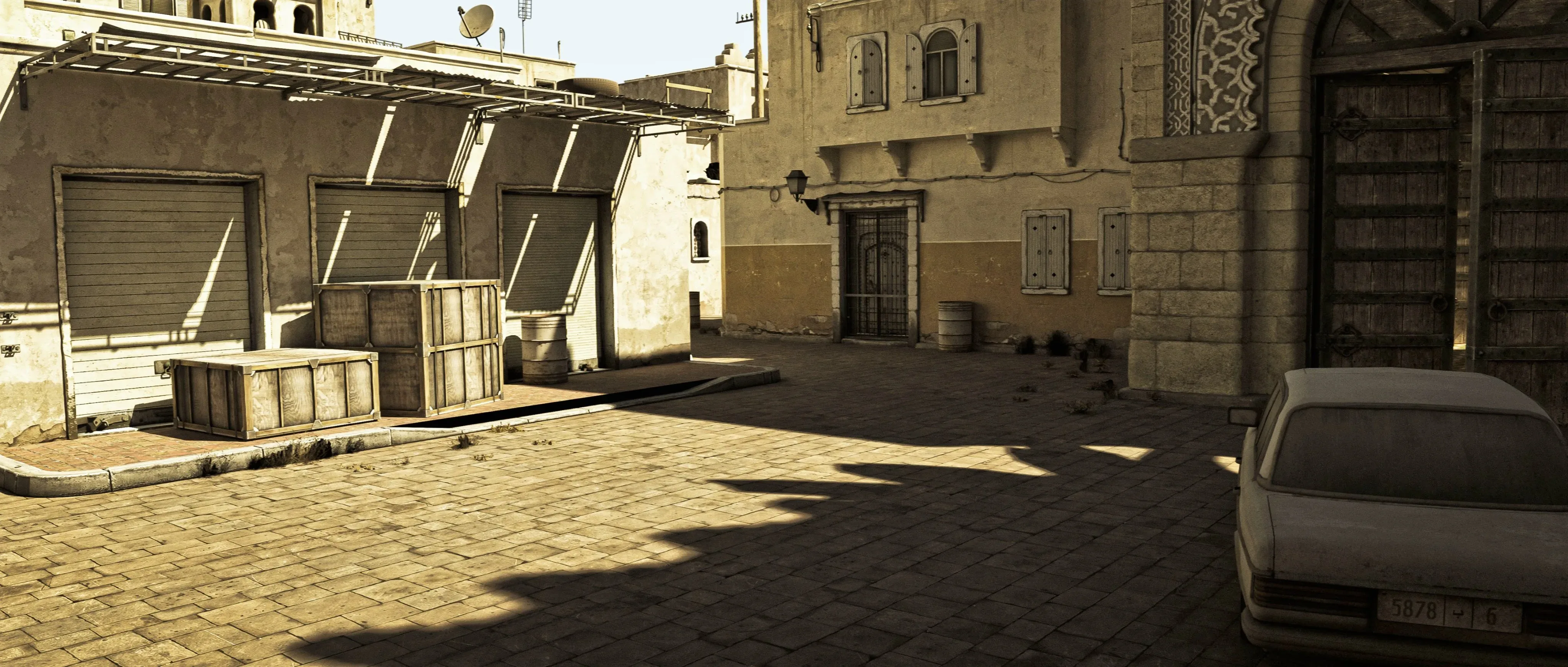
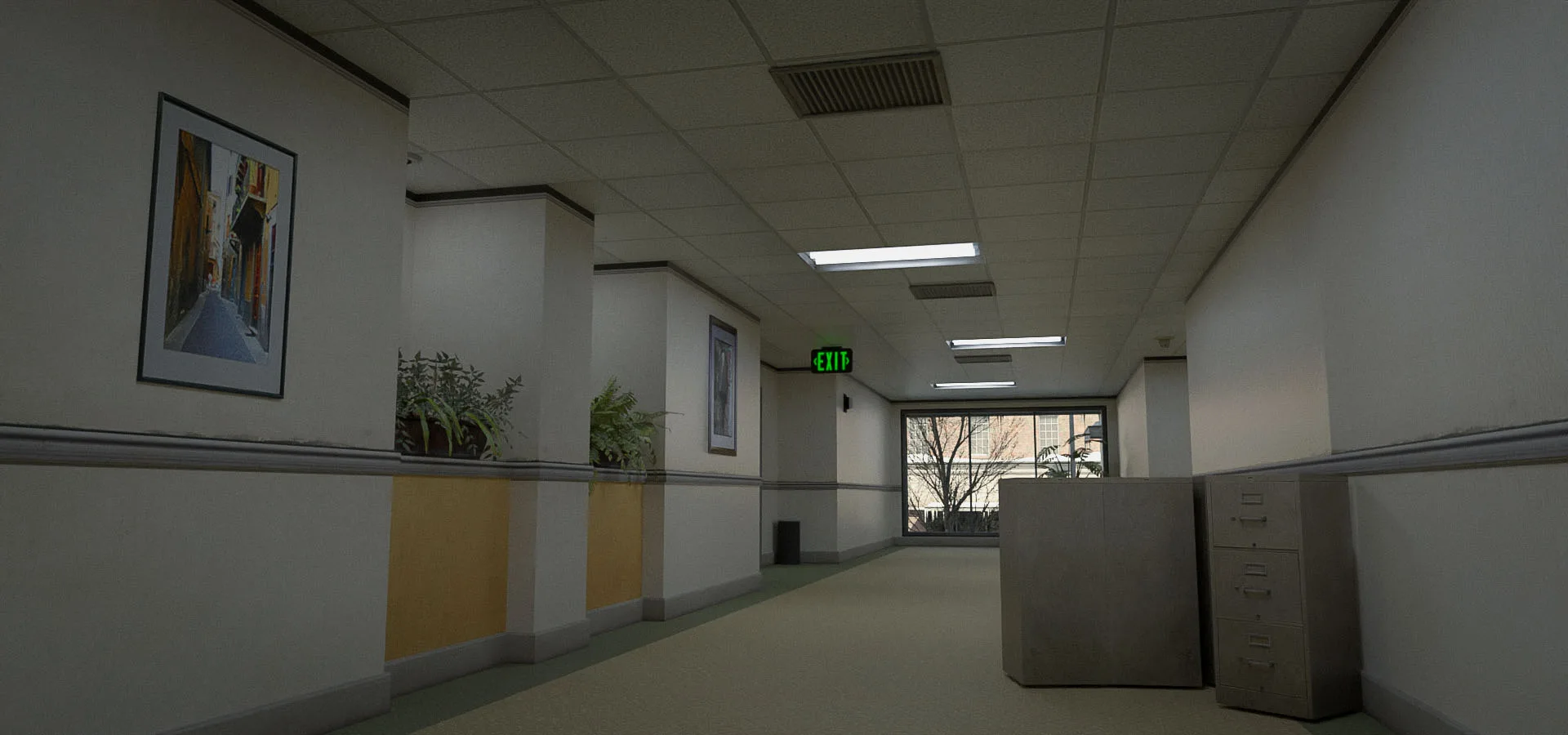
The following screenshots are models of maps, rendered using Blender with custom lighting and shading.
This required converting the level and model information from the game's source assets into a format that Blender could understand.
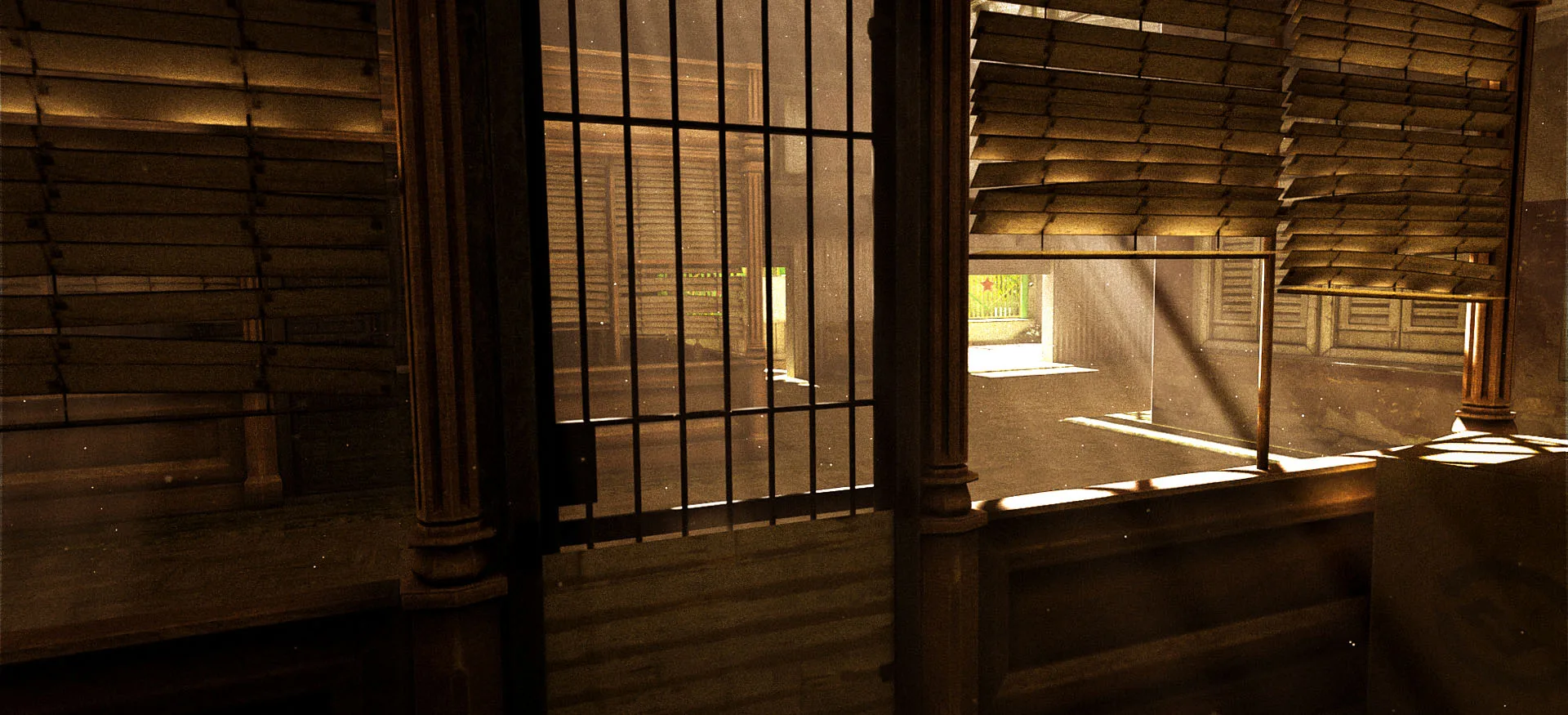
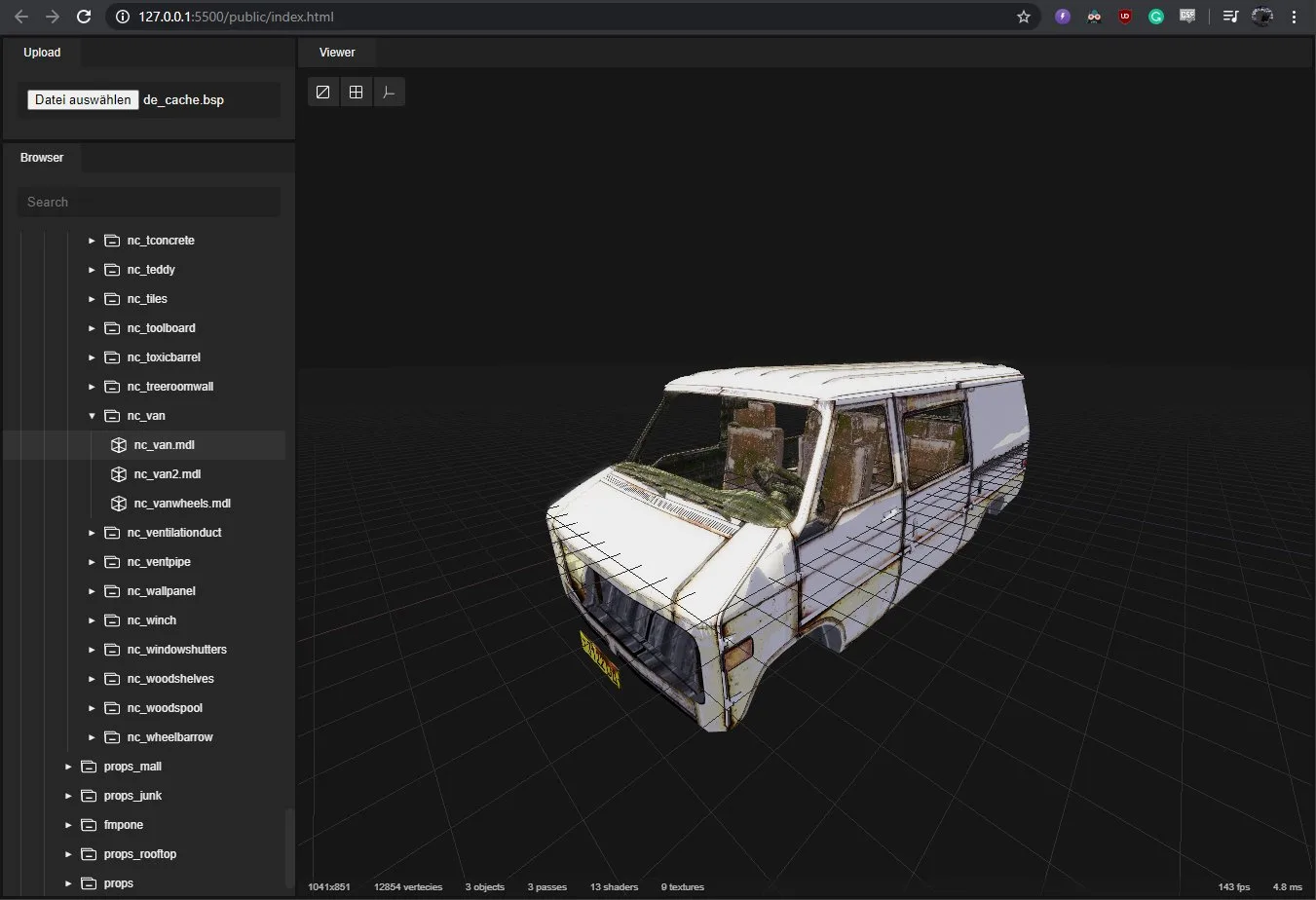
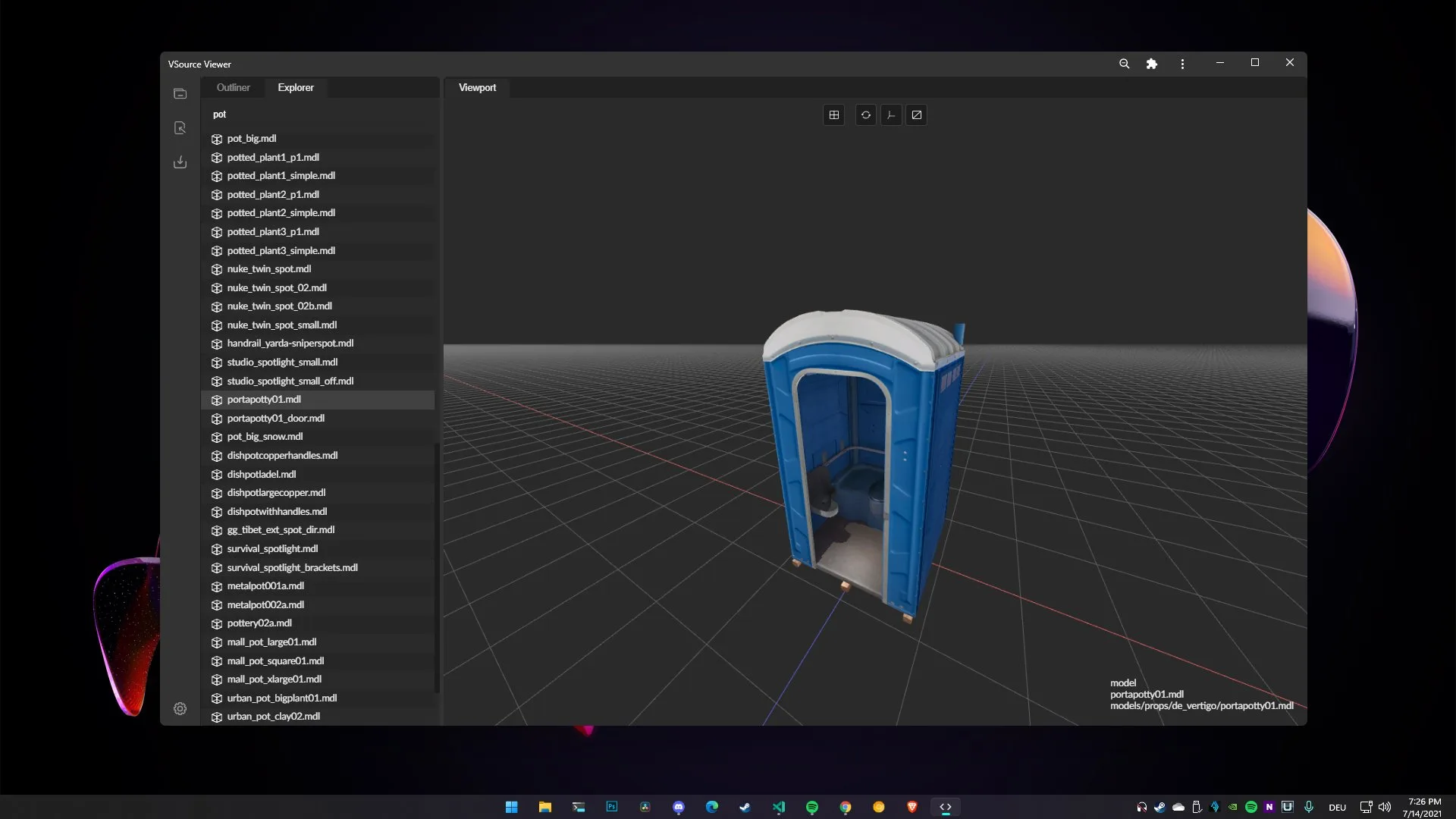
I also built a model-viewer that allows you to explore the models and entities in the level.
...
In the end I never actually got to the point of visualizing a real-time game in the browser though 😅. It would require a bunch more work towards getting animations working, but I never got around to it.
Nevertheless, I learned a ton about how game engines work under the hood.